
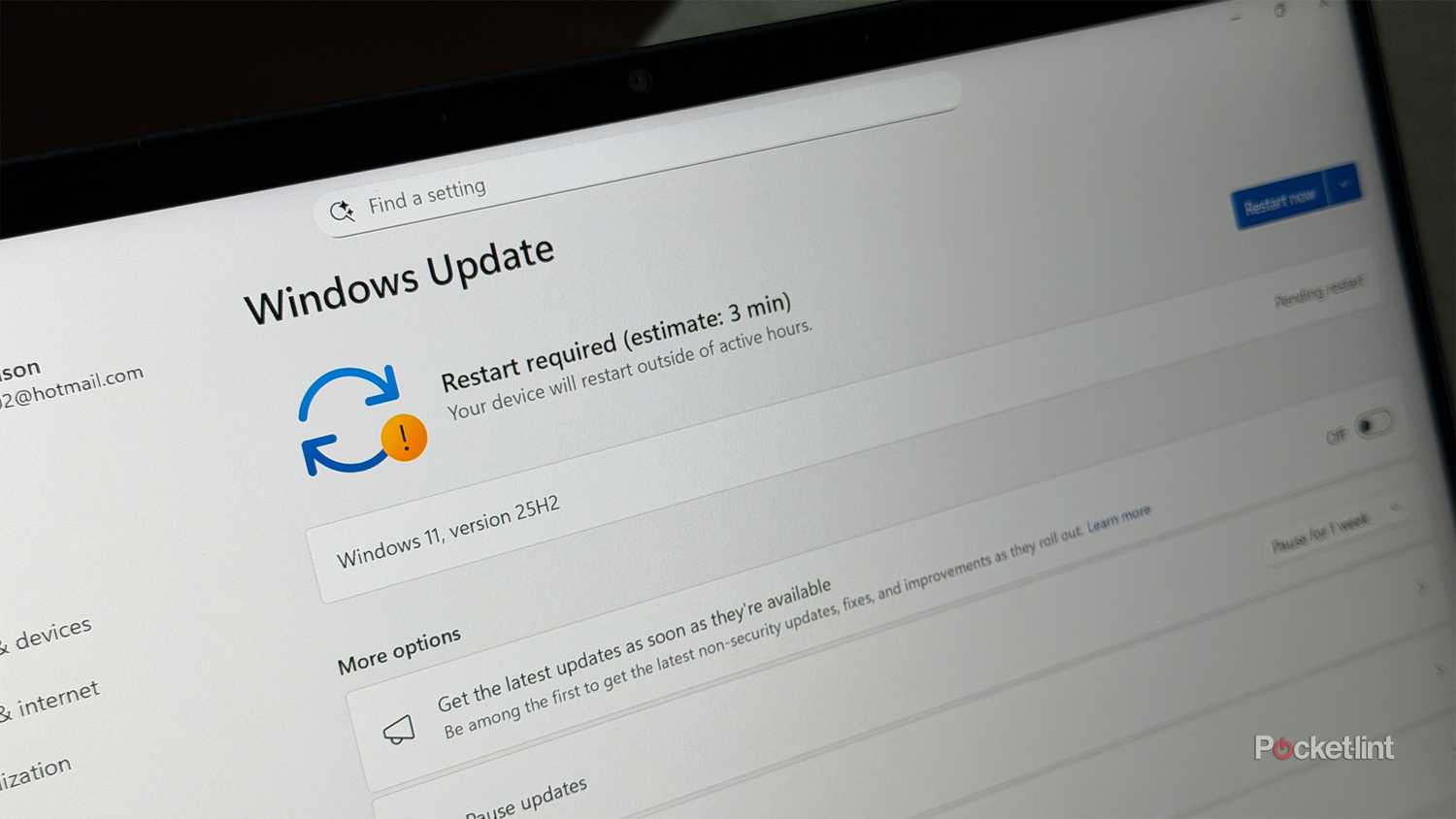
This Windows 11 bug has happened to me more times than I can count. I go to shut down my PC for the night, and Windows says it has an update available. I click “Update and shut down,” fall asleep, and then wake up in the middle of the night only to find my PC has been updated and is still turned on, meaning it has actually restarted instead of shutting down.
This bug has been driving me crazy for a long time, and I’m sure many others have faced the same issue. It has been a stubborn problem since the Windows 10 days, and Microsoft was kind enough to carry it over into Windows 11. Luckily now, after ignoring the issue for years, Microsoft has finally recognized it and taken action.
According to Windows LatestMicrosoft has fixed the “Update and shut down” button to actually shut down your PC when it’s done updating, rather than restarting it, with its October 2025 optional Windows 11 update (KB5067036).
“Addressed underlying issue which can cause ‘Update and shutdown’ to not actually shut down your PC after updating,” Microsoft said in its patch notes.
How to fix this issue on your PC
You’ll need to install the optional update, or wait for the wider release

As it stands, to resolve this issue on your PC, you’ll need to first download the Windows 11 25H2 update if you haven’t already. To do this, just head to Settings > Windows Update on your PC, and you should see an option to download and install it.
After installing the Windows 11 25H2 update, go to Settings > Windows Update > Advanced Options > Optional Updates and download and install the optional KB5067036 update to fix the issue with “Update and shut down” not functioning correctly.
Although this fix is currently part of an optional update, Microsoft has informed Windows Latest that it will also be included in the monthly Patch Tuesday update, which is rolled out to all Windows 11 users. If you’re unfamiliar with Patch Tuesday, it occurs on the second Tuesday of every month and is when Microsoft releases an update for Windows that includes security and bug fixes. This month, it falls on November 11.
Microsoft didn’t provide details on what caused “Update and shut down” to malfunction all this time or how the issue was fixed. Based on my experience, it seems that when Windows booted into its offline servicing phase (the black screen that says ‘Windows is working on updates’), it was failing to execute the shutdown command after a reboot. Usually, Windows reboots during an update to apply changes, but it looks like after this process, the shutdown command was getting lost. With this patch, Microsoft has essentially found a way to ensure the shutdown command doesn’t get lost anymore.
This is a long-overdue fix that I’m glad Microsoft has finally implemented. Better late than never, as they say. The main thing that bothered me about this bug was that it would leave my PC running all night unexpectedly, which affected my power bill. Now that this fix is being rolled out, people’s power bills and their laptop batteries should be spared.